
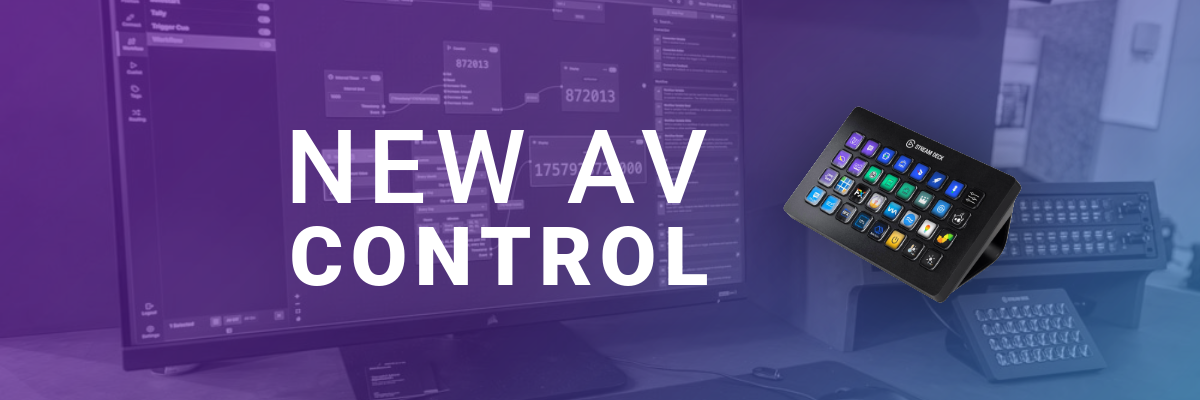
Having a functional and easy-to-use AV system is one of the most important things to have in an office. Without some sort of control, all you have is a bunch of pieces that you must understand for the room to be effective. Most people using meeting spaces don’t know how the pieces work together, so the system is either used poorly or not at all. Even if the user can figure it out, or they are willing to read the directions taped to the wall, it is still a waste of precious time to set everything up.
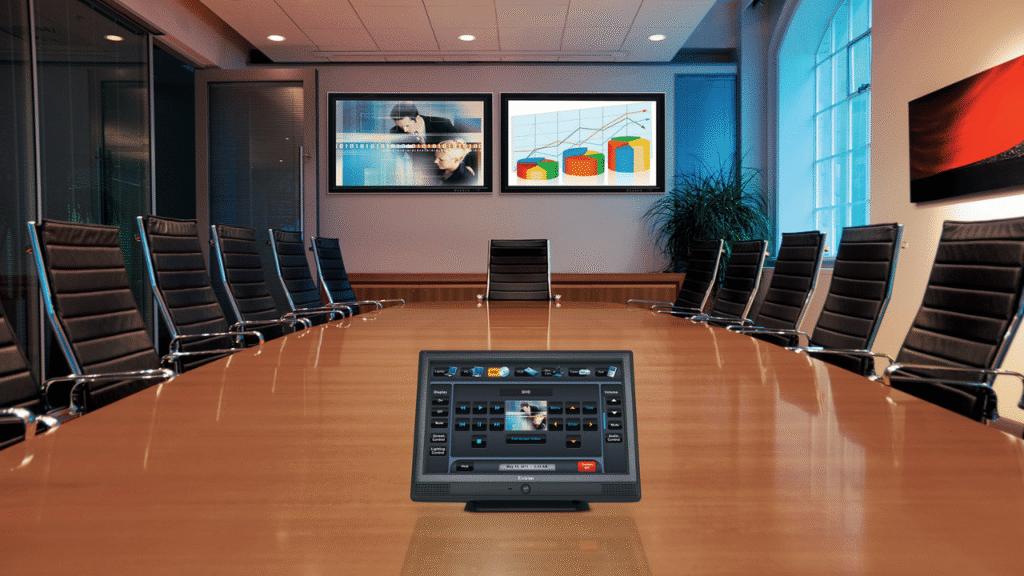
The usual fix is an AV control system. There are platforms like Crestron, Q-SYS, Extron, AMX, and more. They’re popular for a reason, they can be incredibly capable. But they also tend to come with high costs, licensing, and a lot of ecosystem gravity. Integrations outside that lane are possible, but they often come with extra programming, extra drivers, and waiting on someone’s roadmap.
Not everyone has noticed, but another option has emerged from (read in a spooky voice ->) the horrors of the consumer tech world. That option is the Elgato Stream Deck plus Bitfocus.
If you have been to a trade show recently, you’d know this is not a gimmick and it’s not a streamer toy. It is a legitimate control approach that’s making its name known in professional broadcast and can cover a lot of AV control scenarios, especially the smaller ones. And now there’s an important twist, Bitfocus has a newer, more robust option that takes this idea further.
A Platform is not required
Over the past decade, AV control has become a platform decision. You pick the control brand, then you pick everything around it, then you commit to an integrator and a programming cycle. Elgato and Bitfocus are providing an alternative for people who don’t want to be tied down by an ecosystem.
Elgato gives you the physical interface, the buttons, labels, and hardware. Bitfocus is the control layer, the part that talks to the gear and ties actions together. Together, you get a setup that feels modern and approachable instead of intimidating.
Stream Deck Everywhere
Elgato in recent years has made a shift. Stream Deck is not just a desk accessory anymore. Their Stream Deck Everywhere strategy is a push to make Stream Deck deployable in more places: embedded panels, networked installs, and virtual control surfaces. You can read it straight from their Computex announcement.
The three pieces that matter most for AV are:
1. Stream Deck Module
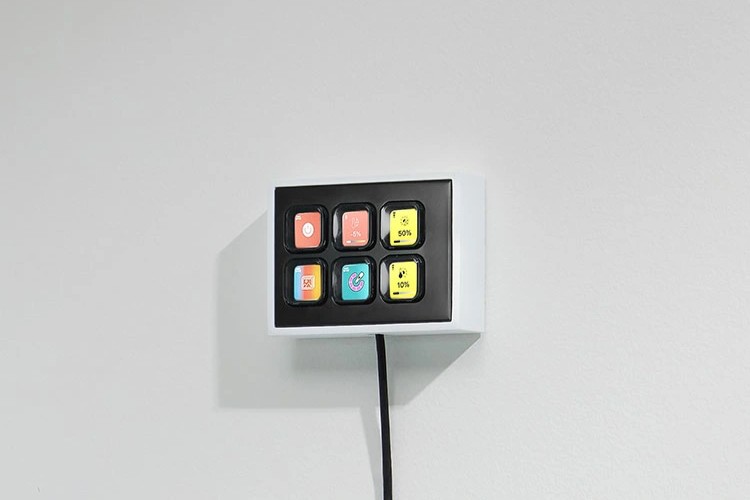
This is the cleanest answer to the wall-plate argument. It’s the Stream Deck concept, but designed to be embedded into a build, lectern, desk, rack panel, custom enclosure, anywhere.
2. Network Dock
This tackles the placement problem. Stream Deck does not need to be tied to a specific desk position just because of a USB cable. If you can get it onto the network and power it cleanly, you can put it where you need it.
3. Virtual Stream Deck
Software buttons matter more than people think. It opens the door for touchscreens, operator stations, and flexible layouts without requiring physical hardware for every single interface.
So now that you’ve got a control surface that can fit almost anywhere, you need some clever software that can talk to almost anything.
Bitfocus is the control layer
Most people who know Bitfocus know Companion, because Companion is Bitfocus’ claim to fame. It turns keypads like the Stream Deck into a multi-product control surface, and it does it in a way that feels like the opposite of a walled garden. Bitfocus maintains a public directory of what they can control, and it’s massive. That connections list is the reason this idea works in AV, not just streaming.
Here’s the part that matters for the long term. Bitfocus tends to expand faster than traditional control ecosystems. When a new device or workflow shows up, a traditional control system might take a long time to support it, cost extra to integrate, or never support it at all if it’s not worth their effort. The Bitfocus ecosystem is built around modules and a broader developer community, so new tech is more likely to show up sooner, and in more creative ways.
Buttons takes it further.
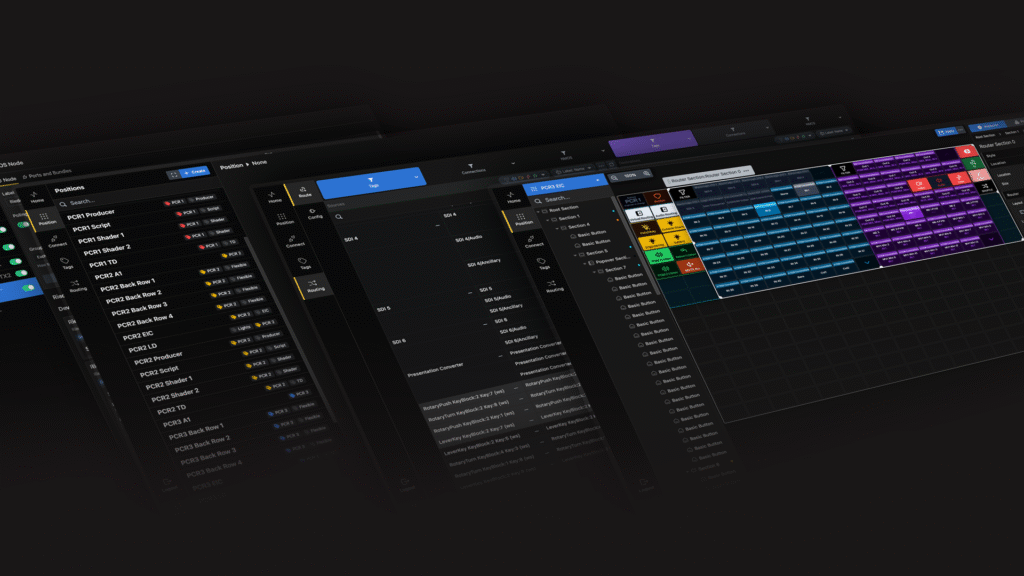
Bitfocus Buttons is the more robust, more “pro control” version of this idea. If Companion is the gateway drug, Buttons is what you roll out when your customers want more structure and more guardrails. Buttons is built for larger and more complex setups, and it adds features like scrollable sections and section authentication, including PIN and NFC, so you can lock down the controls you don’t want everyone touching.
That also changes the security conversation. Companion is powerful, but security is always one of the first concerns people raise. Buttons solves a big part of that by giving you operator-level access control. It does not replace basic IT best practices, but it absolutely makes the “who is allowed to press what” question easier to answer.
Also, if you already have Companion out in the wild, Buttons doesn’t have to be a rip-and-replace moment. A lot of the same connection modules carry over, and there are even ways to bridge into existing Companion workflows when needed.
That matters a lot in 2026 AV. Rooms change a lot and products sometimes have short lifecycles. The camera model changes. The switcher changes. The DSP changes. The customer decides they want to add streaming. Or they see one TikTok about virtual production and then you have to rethink the whole room. An open control layer keeps you innovating.
Where this works
I’m not a fan of this concept because it’s cheap. I’m pushing it because it’s accessible, and it’s often more appropriate for what people actually need.
The average company size in America is around 24 employees. So, they often do not need a decade-long, enterprise-managed control platform. They need a simple interface that removes friction. The common functions they need are:
– Power on, power off
– Set the room to the right input, or the right meeting mode
– Camera preset 1, 2, 3
– Mute, unmute, volume up, volume down
– Start the call, end the call
– A couple of reliable actions that make meetings less of a chore.
Stream Deck plus Bitfocus is great at this because it gives you a clear, labeled interface, and it gives the integrator the flexibility to tie actions together without turning it into a deep programming project. Companion can absolutely handle a ton of these rooms, but if your customer base leans advanced, Buttons is the cleaner product to lead with.
This is also where the open ecosystem matters again. If the customer swaps a device later, you’re not automatically starting from scratch. If a new manufacturer becomes popular, you’re more likely to have a path to integrate it. If the room grows slightly, you can adjust without redesigning the whole control philosophy.
Some considerations
There are still scenarios where the big control ecosystems make sense, especially when you need extremely deep room automation, very strict enterprise standards, or a customer expects a very specific support model. But Buttons closes a lot of the gap that usually pushes people back toward those platforms, especially around access control and larger, more structured deployments. For a lot of meeting rooms, that makes the “Bitfocus + Stream Deck” path feel less like an alternative and more like the obvious choice.
My take
For a lot of smaller AV control scenarios, Elgato plus Bitfocus feels like the option that matches reality. It’s approachable for users, flexible for integrators, and open enough that you’re not betting the future of the room on one manufacturer’s integration priorities.
I’m not saying it replaces everything. I am saying it can replace a lot more than people expect, and it probably deserves to be the starting point more often than it is today.

