
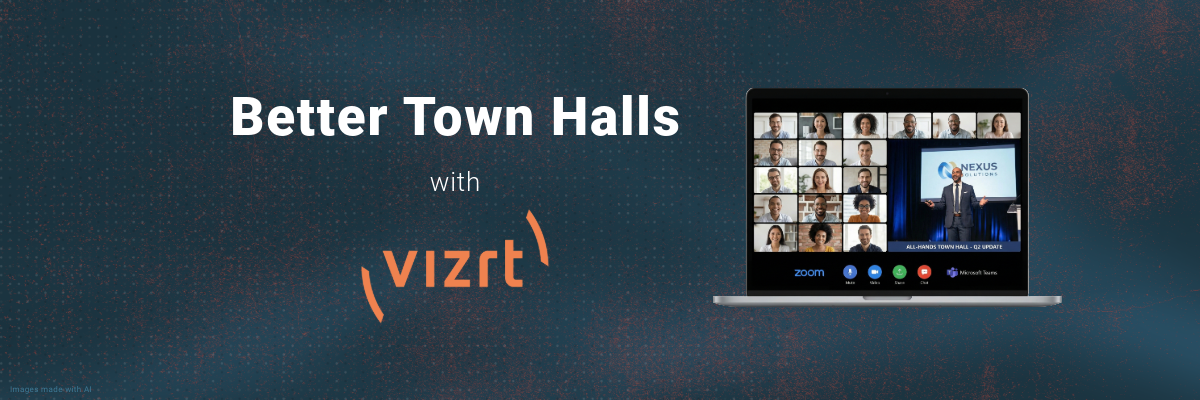
How to take control of the screen and run a company meeting people actually want to watch
Here at JB&A, we see a lot of different production setups. Some are massive, some are tiny, and some land in that strange middle space where the stakes are high but the tools people use are… let’s just say “creative.” One of the places where this shows up the most is the good ol’ company town hall. Every organization has one, and almost every organization quietly agrees that their town hall could be better. Sometimes way better.
If you’ve ever sat through one, you probably know exactly what I am about to say. Your CEO is a tiny thumbnail floating in the and the slide deck is taking over your entire screen. There are fifteen future slides visible on the left side, so everyone is reading ahead instead of listening. Half the team is responding to emails. A few are ordering lunch. One person is definitely scrolling through memes. It happens.
To be clear, it is not necessarily because your content is bad. It is because the layout is bad. And most people don’t know that layout is everything.
The meeting software problem
One of the most common mistakes we see is letting the meeting platform dictate the entire show. If you just hop into Teams or Zoom, hit Share Screen and hope for the best, your layout is already working against you. The presenter gets minimized. The slides take over. The pacing disappears. You lose control of what the audience is supposed to pay attention to.
A town hall is basically a live broadcast. If you treat it like a simple meeting, it is going to feel like one.
The shift that changes everything
The fix is surprisingly simple. Stop thinking like a meeting host and start thinking like a broadcaster.
Before anyone panics, you can still use what you have, for now. Your current tools can get the job done: Teams for remote presenters and PowerPoint for content. This combo is perfectly fine. It is familiar. It works. You do not need to reinvent your whole workflow or buy a stadium sized LED wall, yet… later you may want to take your production to greater heights as your company grows. We are here for that too.
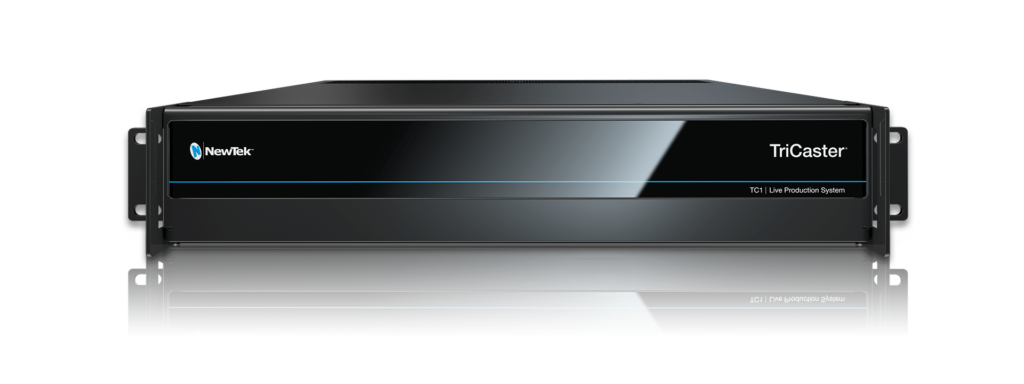
The missing piece is the thing that brings your existing tools together and lets you design your show the way you want instead of the way the meeting software forces you to. That piece is a production switcher. At JB&A, we lean heavily on the Vizrt TriCaster for this because it is flexible, reliable, and one of the most capable machines to level up a town hall.
Why the TriCaster
Meeting platforms are built to facilitate conversation. Production switchers are built to craft the viewer experience. That is the key difference.
A TriCaster takes your Teams feeds, your presentation content, your titles, your videos, and puts you in the director’s chair. You can frame your CEO side by side with the data they are explaining. You can cut to another speaker without that awkward silence where someone fumbles for the share button. You can bring in pre-recorded content, add lower thirds, match your company branding, and create something that actually grabs attention and looks good.
Most importantly, you control the story again instead of being restricted by the platform.
You do not need a full studio
This is the part that surprises a lot of people. You do not need a big team or months of prep to pull off a professional looking town hall. You already know Teams and PowerPoint; the last piece is simply learning how to feed everything through a TriCaster.
And that is doable. Actually, it is very doable.
At JB&A, we have been helping companies modernize their internal communications, and one thing has become pretty obvious. Once people see how much better their town hall can look, they don’t go back. Having your executive actually visible is proven to be more engaging because it allows the viewer to feel more connected. When you also have your information framed cleanly, your audience will pay attention because the event feels professional instead of lame.
Ready to Clean Up Your Town Hall?
If you are reading this and thinking, “Yeah, our town hall could really use some help,” then this is exactly why we are offering the Town Hall Transformation Session. It is a free consultation, and it is designed to give you a clear plan for turning your current town hall into a proper broadcast.
During the session, you will meet with our engineers who will walk you through your workflow, look at the layout you are using today, and show you what it would look like when it is rebuilt as a real production. We will talk through Teams, PowerPoint, TriCaster integration, framing, graphics, and how to make everything feel intentional.
No pressure and no big sales pitch. Just hands on guidance, examples, and real next steps that you can use right away. If you want your next town hall to actually keep people’s attention, click the link and book your FREE Town Hall Transformation consultation. We will help turn your meetings into something your whole company will remember.

